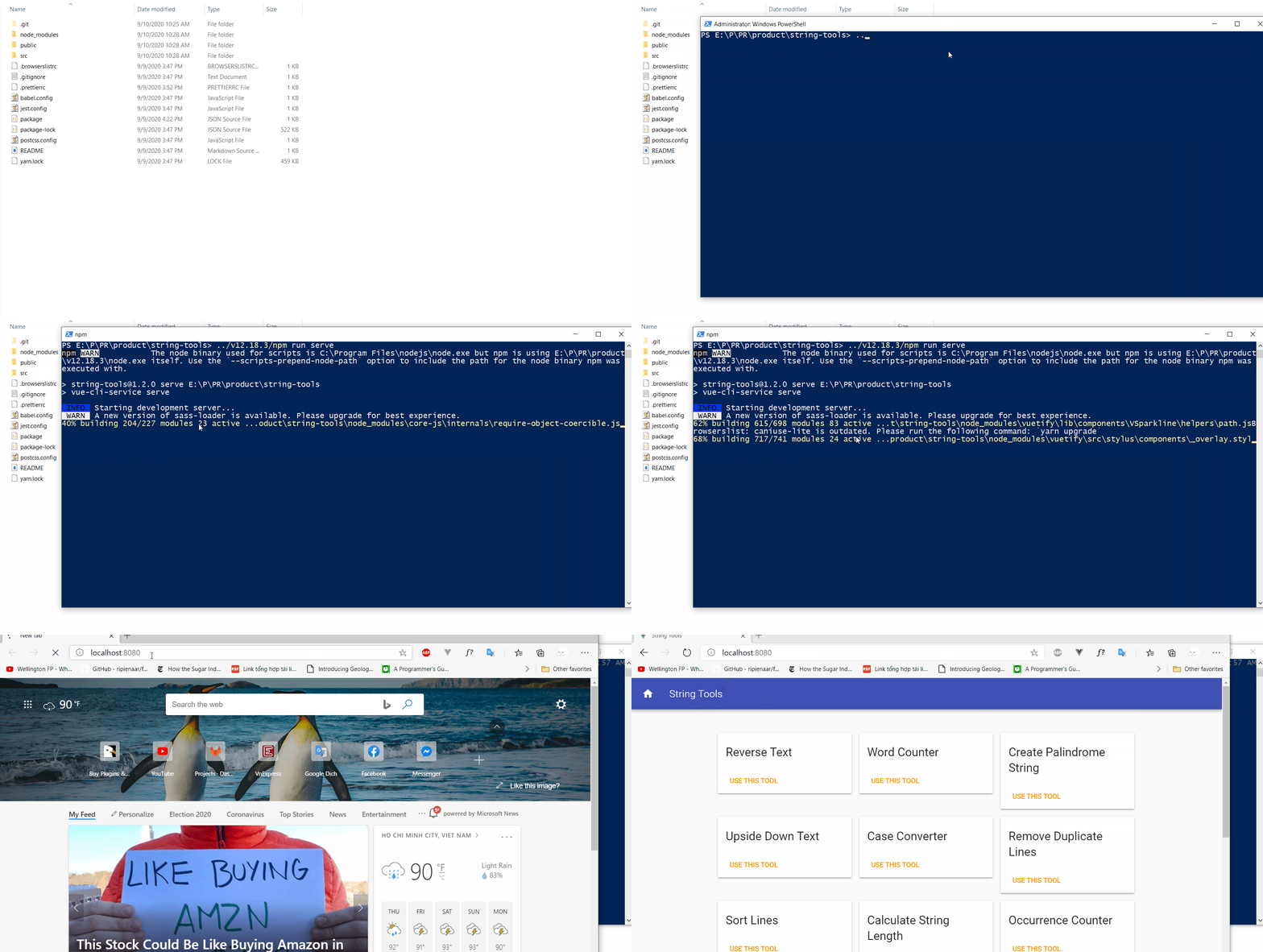
Installation
tip
If you have purchased this product before (v1.2.1), please go to Migrating site.
Unzip the downloaded file
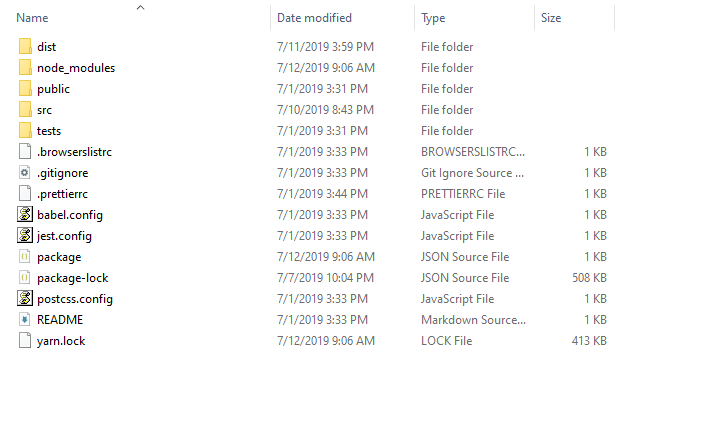
After upzipping the product file, you'll see 2 folders:

- string-tools: product folder
- v12.18.3: Node.js folder
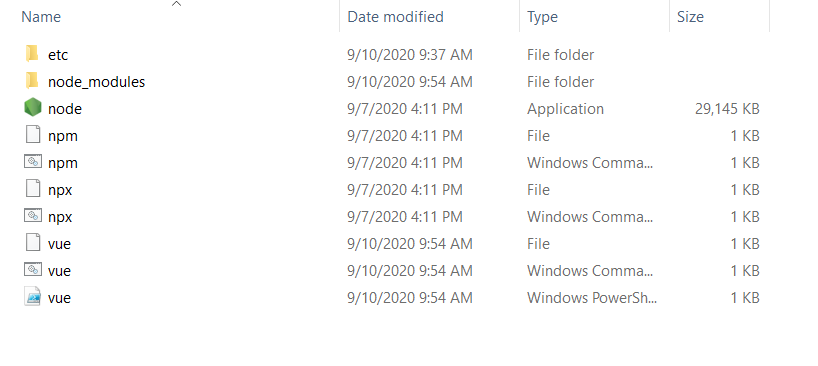
Test Node.js
Open the Node.js folder:
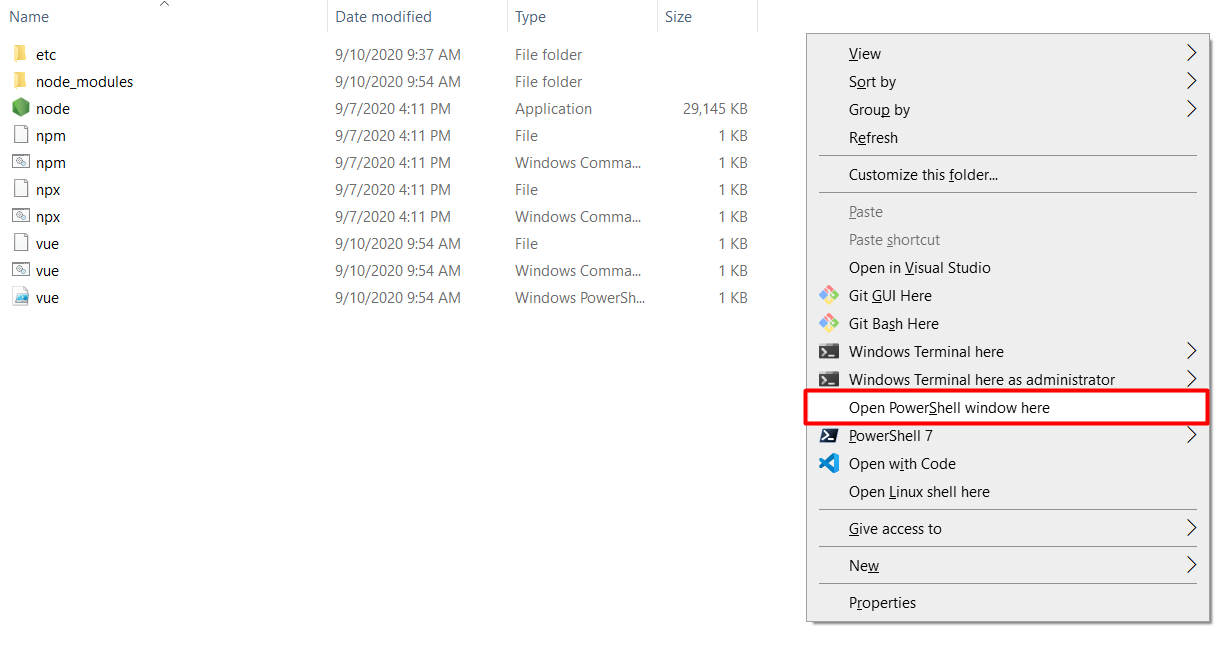
Press Shift + Right Click to open Powershell:
Run this command to verify that Nodejs working:
./node -v

Install VSCode (Optional)
Visual Studio Code (easier for editting)
Run the site on localhost
Command:
../v12.18.3/npm run serve