Pages
Introduction
Directory
All pages in the "src/views" directory:
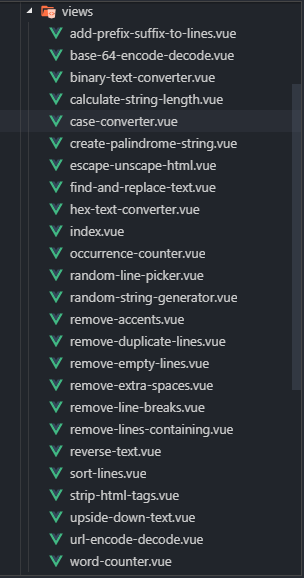
We already know that there are 24 functions and 24 pages corresponding to those, so we have 24 files that represent them and one file for index page.
Routing
Open functions.js file in the "src/views" directory:
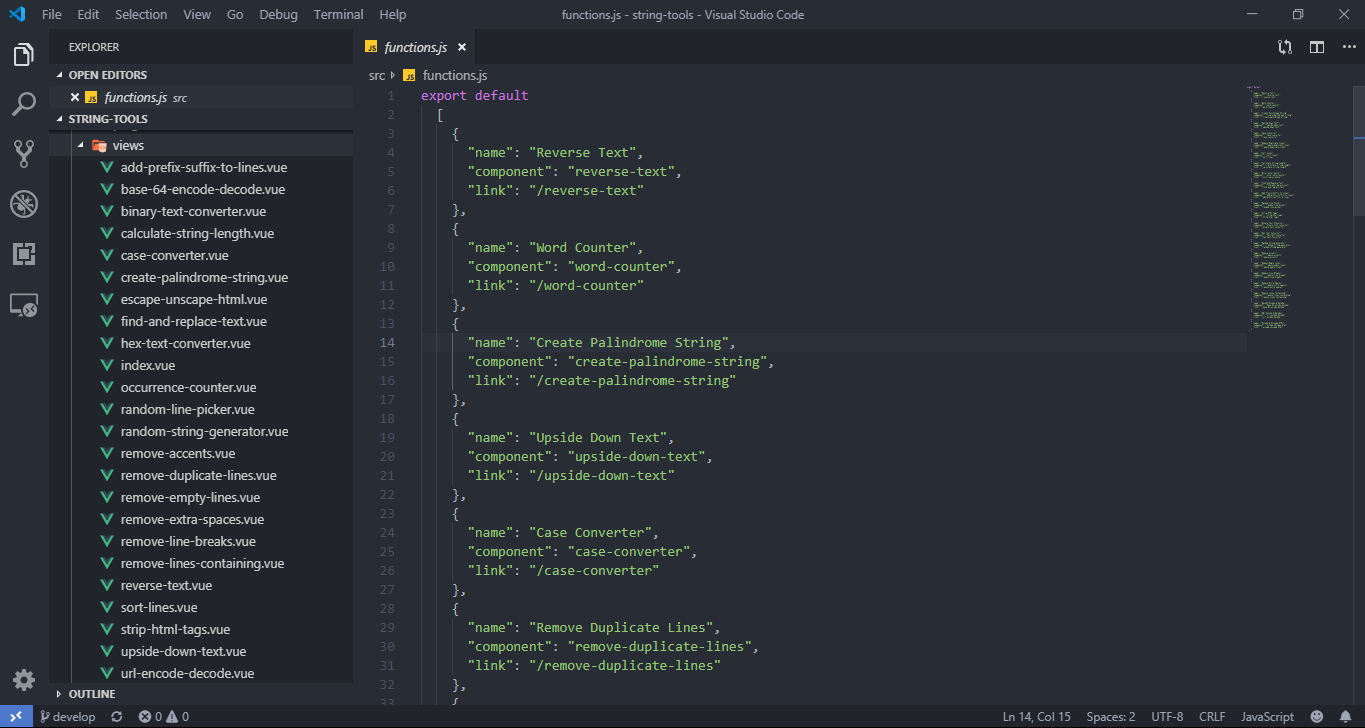
You can see a list that contains all function's information here, that's an array of 24 elements, each element has 3 properties:
- name: Function's name
- component: Component's name, it corresponds to the name of the file in "src/views", if you change it, you must change the corresponding file name.
- link: Corresponding path of each function.
You can change the "name" and "link" properies, the homepage page will automatically change according to, for example:

Before:
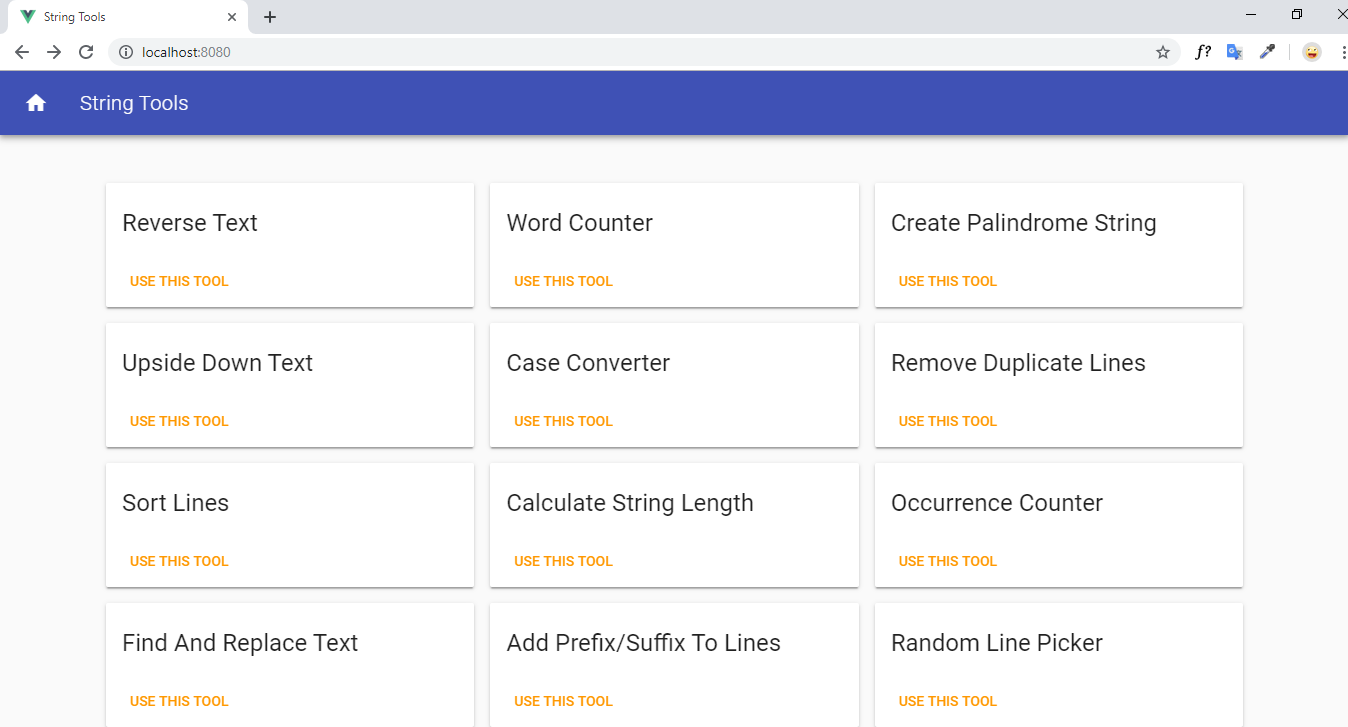
and
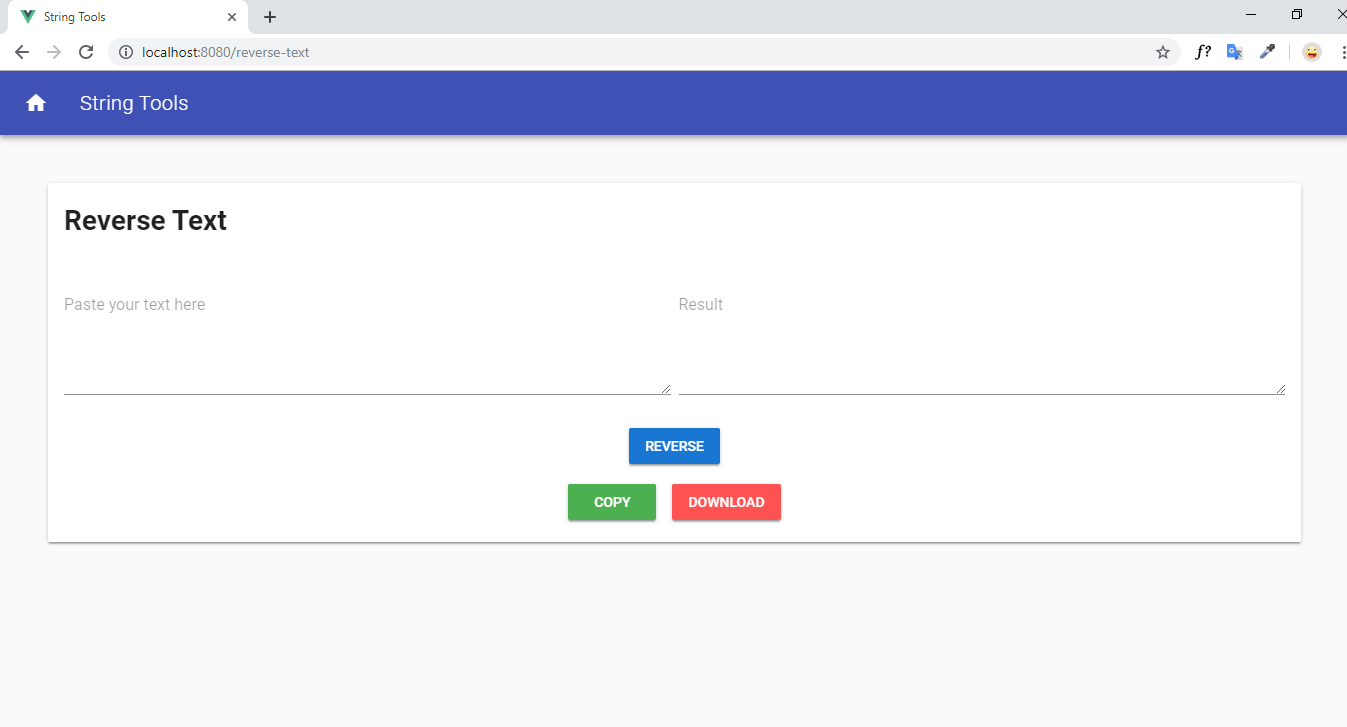
After:
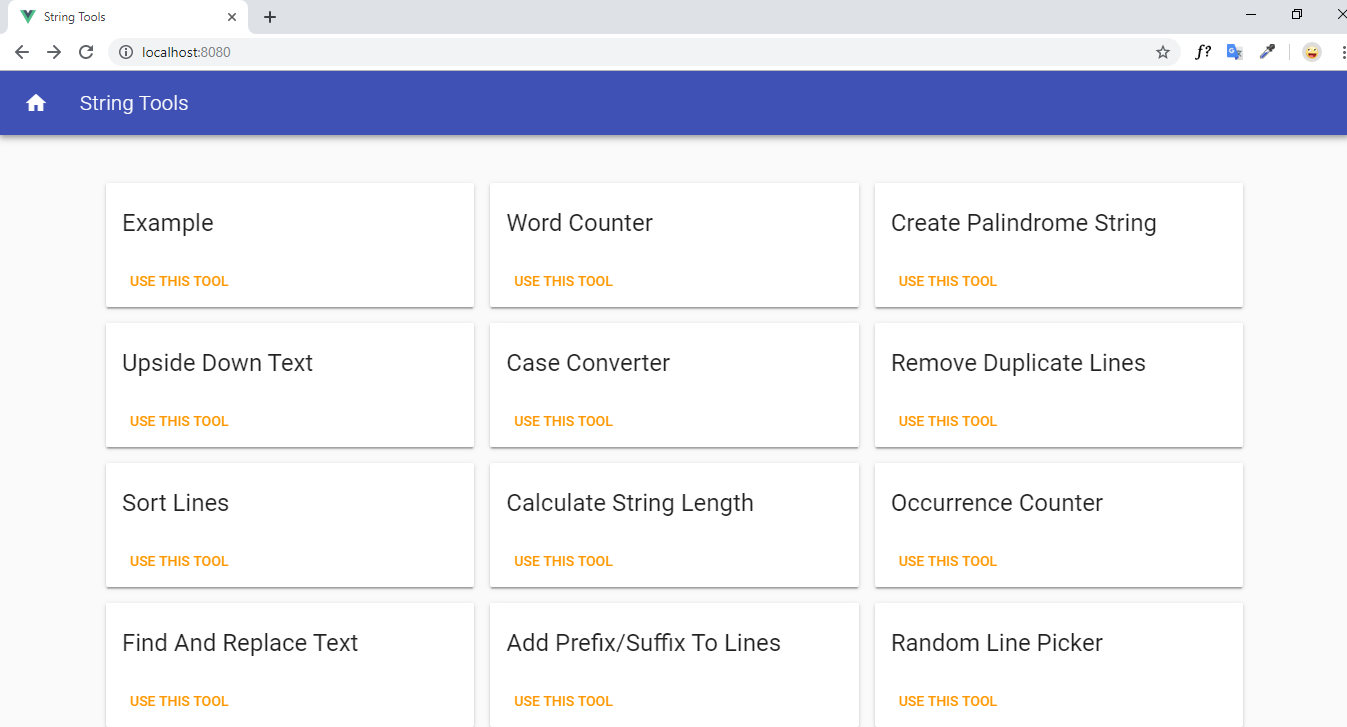
and
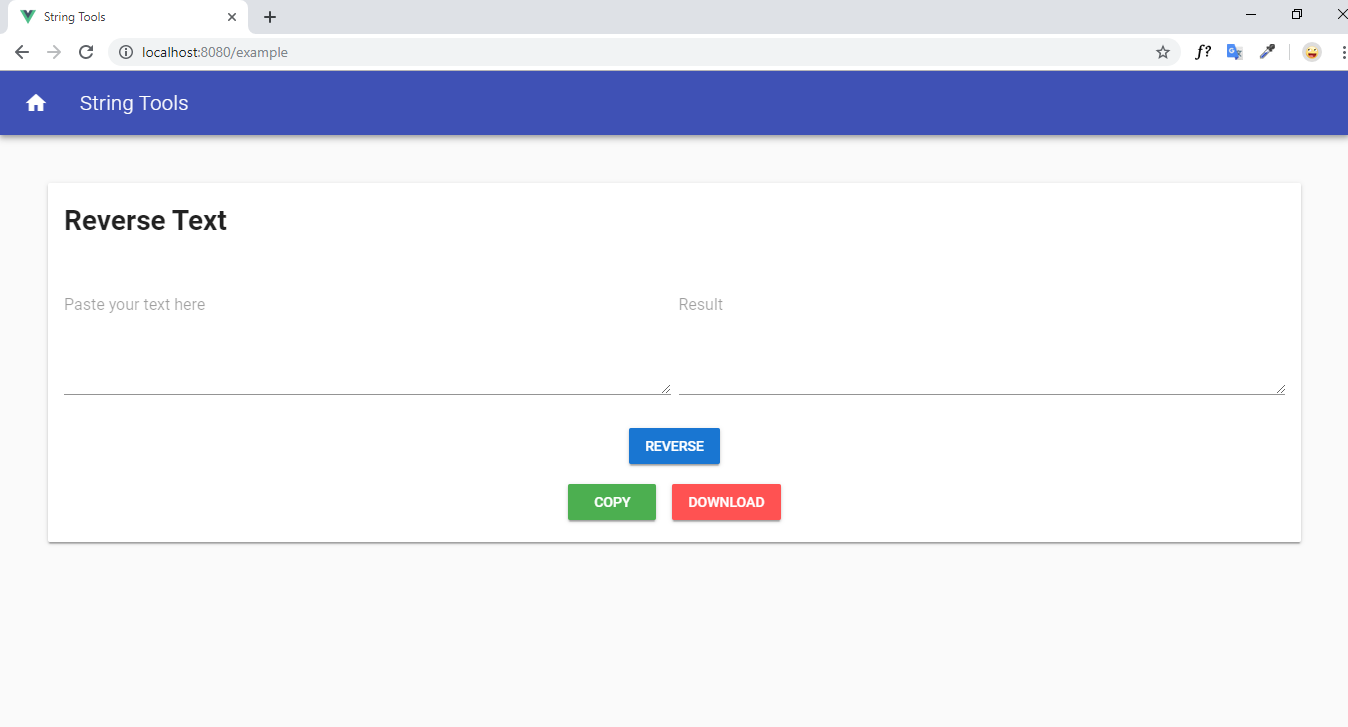
Index Page
Open file "index.vue" inside the "src/views" directory:
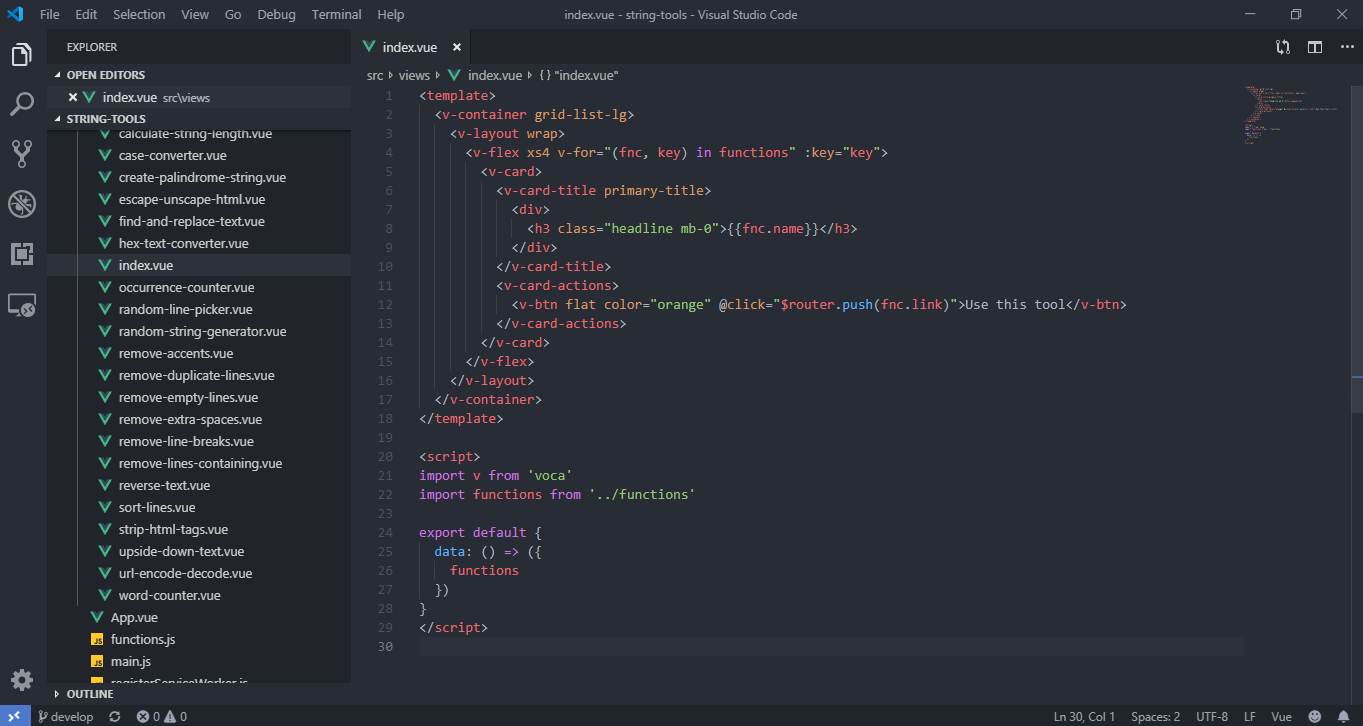
Looking at it, you can also understand the mechanism: file functions.js will be imported and will be rendered in v-card tag
The card looks like this:

v-flex tag is responsible for dividing the column, each row has 12 columns, the "xs4" attribute means taking 4 columns for a card, you can change it as an option, for example if changed to "xs3" each column will have 4 cards.
Take a look at grid system here
About v-card element, you should see details about it here.
Function Page
All the function pages are in the "src/views" folder, All have the same structure so I will mention a specific case to be an example.
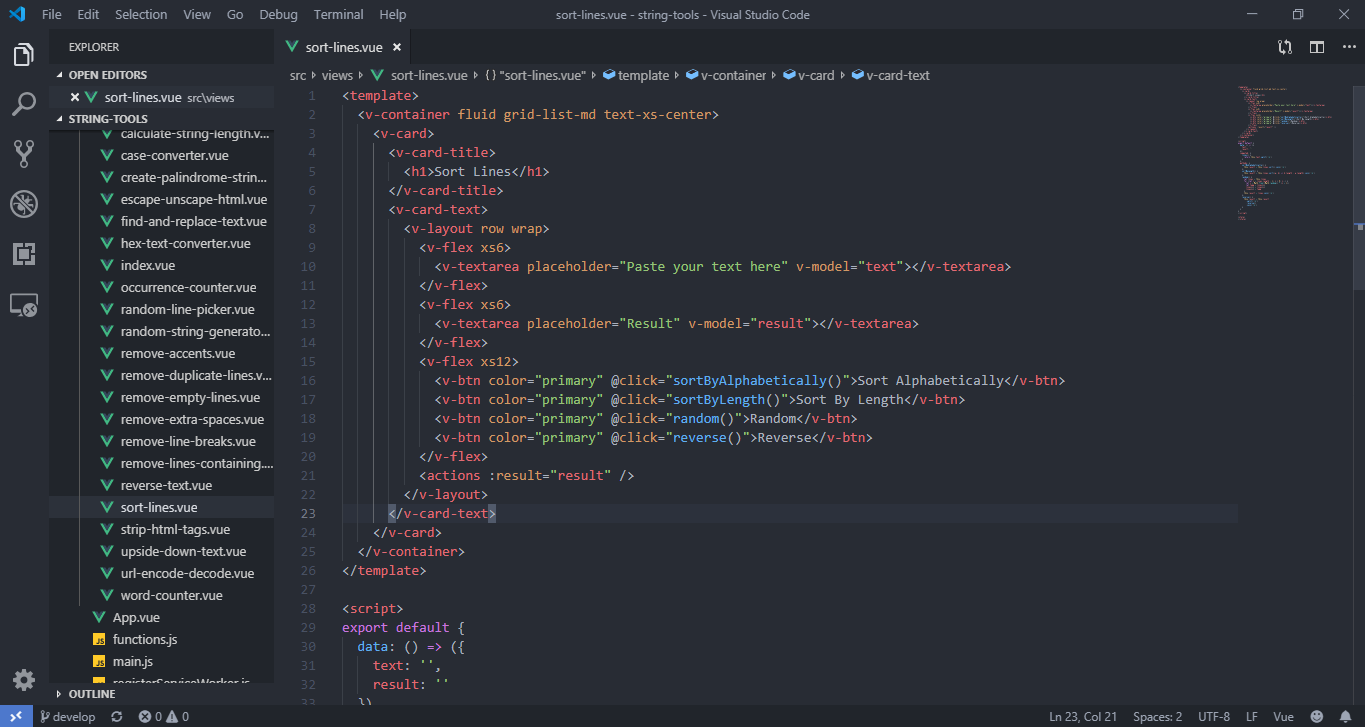
Open the "sort-lines.vue" file:
On site:
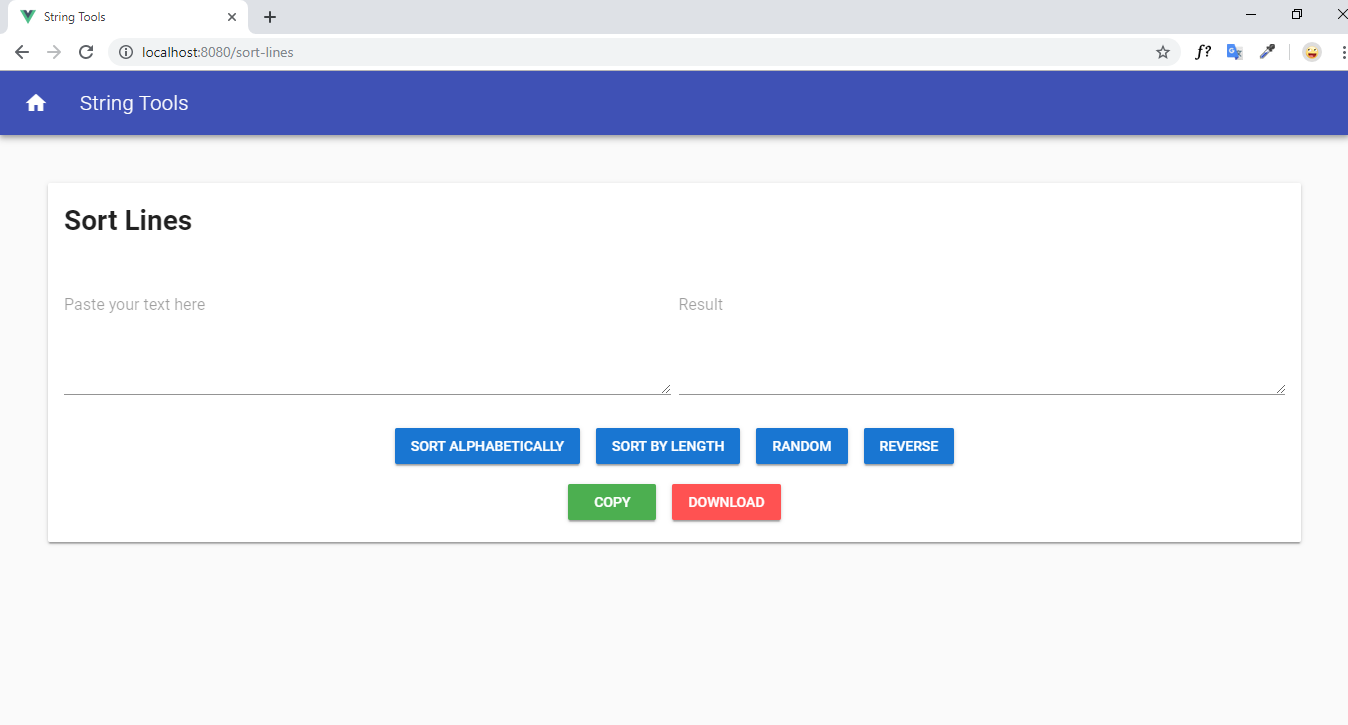
You can see v-card element consists of 2 parts: v-card-title and v-card-content. Feel free to change h1 element's value, v-textarea placeholder, v-btn color or value,... but you mustn't change but you cannot change the value in "@click".
If you are wondering where the copy and download buttons are, it is included in a separate component called "actions" for reuse.
Next, we'll discovery what is "actions" component.